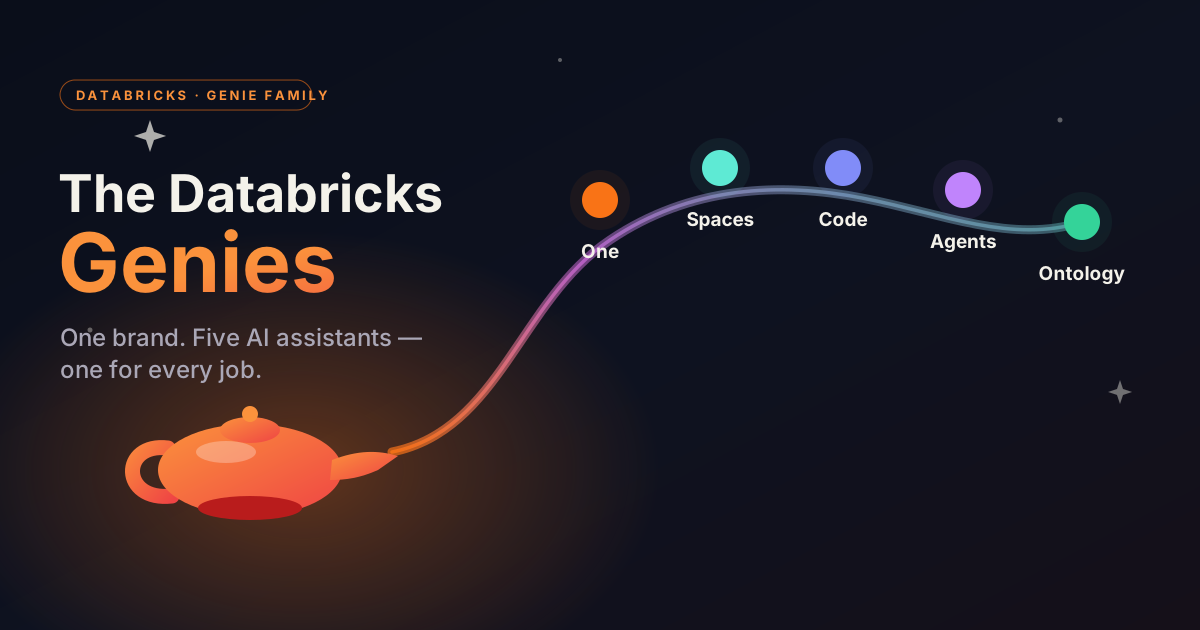
If you’ve been following Databricks lately, you’ve probably seen the word Genie everywhere - and it can get confusing fast. That’s because “Genie” isn’t a single feature. It’s a whole family of AI assistants, each built for a different kind of user.
I came across a nice cheat-sheet by Ganesh Chandrasekaran called “Meet the Databricks Genies” and wanted to break it down in my own words. The one-line idea to remember: one brand, several products, one for each audience.
A little background first
Before the family, there was just “Genie.” It started life as AI/BI Genie - a way to talk to your data in plain English. You ask a question, Genie writes the SQL, runs it, and hands back a table or a chart. No SQL skills required. Alongside it, Databricks had the Databricks Assistant, the coding helper inside notebooks and the SQL editor.
Over time, those grew into a proper lineup. Here’s the cast.
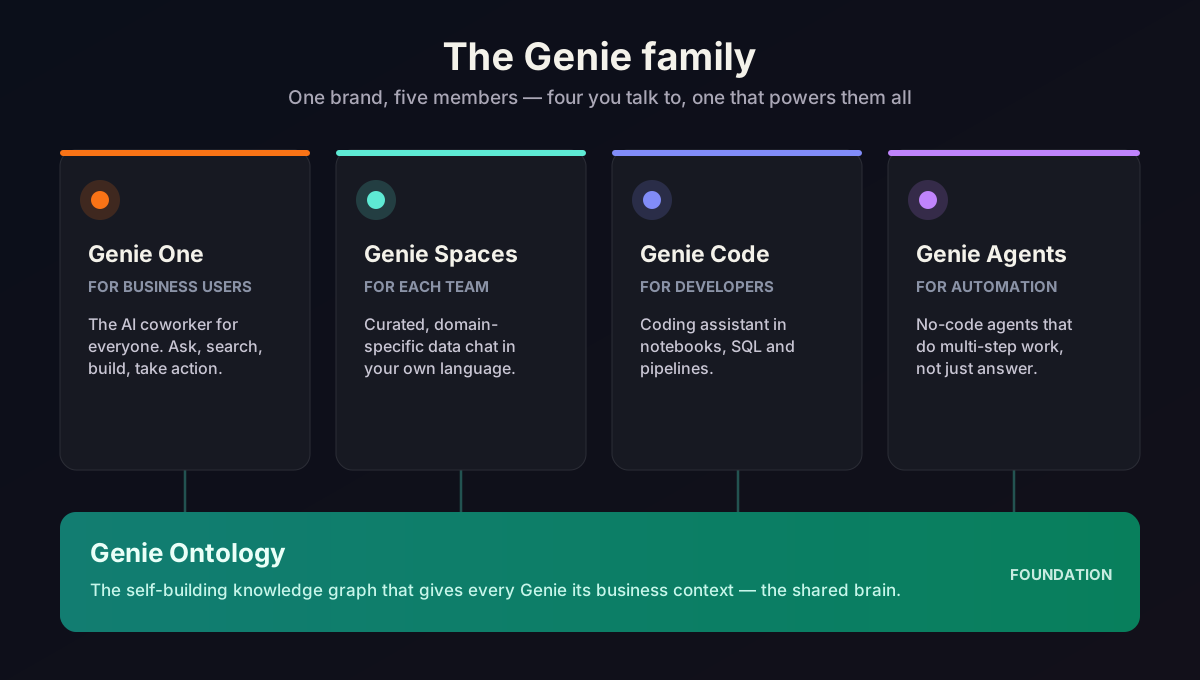
Genie One - the AI coworker for business users
Think of Genie One as the friendly front door for everyone who isn’t a data engineer. It’s a single chat window where a business user can ask questions across the whole data estate, search company knowledge, build dashboards, and hand tasks off to AI agents. If you just want answers and don’t care how the sausage gets made, this is your Genie.
Genie Spaces - your team’s curated corner
Genie Spaces are domain-specific chat experiences. An analyst sets one up by pairing the right tables with business context - what your metrics actually mean, example queries, and the definitions your team uses day to day. The payoff is answers that speak your organization’s language instead of generic guesses.
Genie Code - for the people who write the code
Genie Code is the technical sibling (it grew out of the Databricks Assistant). It lives where developers work - notebooks, the SQL editor, pipelines - and helps write code, run analysis, debug, and build data apps. There’s a chat mode for quick help and an agent mode for when you want it to carry out multi-step work on its own.
Genie Agents - no-code helpers that do the work
Genie Agents are pre-built AI agents that power the experiences above. The idea is to move from just answering questions to actually doing things - running recurring workflows and taking multi-step actions - without every team having to build agents from scratch.
Genie Ontology - the brain underneath
This is the least flashy but maybe the most important one. Genie Ontology is an automatically built knowledge graph that gives every other Genie its business context. It learns what your data means from your tables, queries, and dashboards, and works out which sources are trustworthy - so the answers stay grounded instead of hallucinated. You don’t really “use” Ontology directly; it quietly makes everything else smarter.
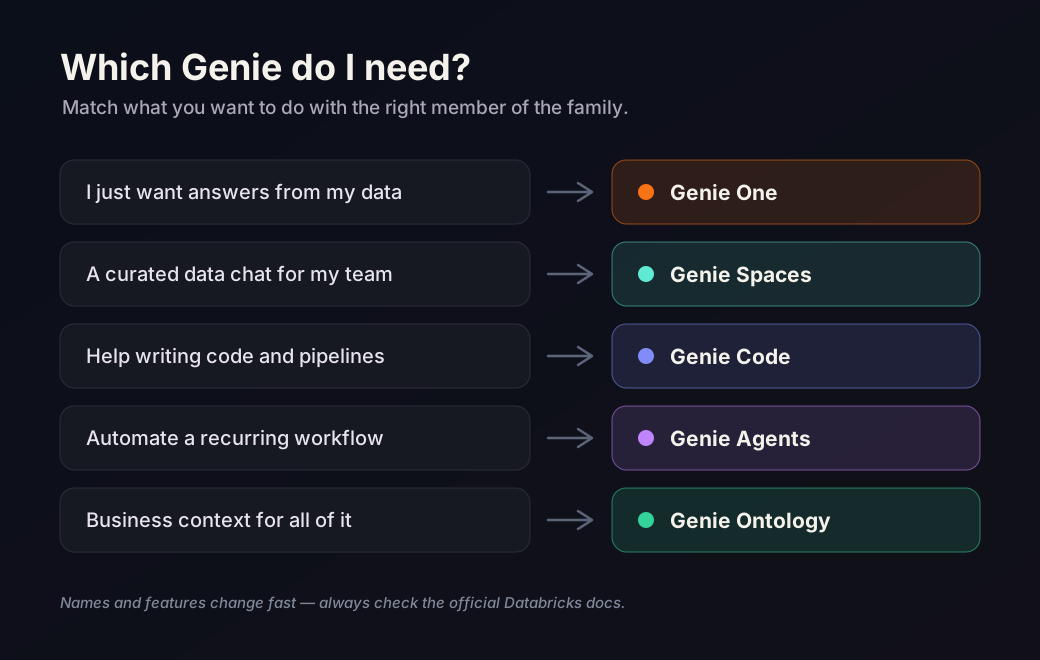
How do I keep them all straight?
Here’s the simple mental model:
- Business user who wants answers → Genie One
- A curated, team-specific data chat → Genie Spaces
- A developer writing code → Genie Code
- Automating real work → Genie Agents
- The shared brain that grounds them all → Genie Ontology
One honest caveat: this space is moving fast, and the names and features change often. Treat this post as a snapshot, not gospel - always check the official Databricks docs for the latest.
If you found this useful, follow me on LinkedIn and subscribe on YouTube for more AI and Data Science content.